
Where faith leads to lasting love

ArkLove is a live Orthodox Christian dating app—also welcoming broader Christian singles seeking respectful, modest, faith-centered, marriage-minded relationships.


For adults 18+. Always meet safely and seek counsel from your spiritual father as you discern.

Orthodox Christian singles using ArkLove
  • Rooted in Orthodox faith

    Church, jurisdiction, and practice are part of your profile from day one.

  • Profiles manually reviewed

    Our team checks every photo and profile before it goes live.

  • Conversations after a match

    Messaging opens only when interest is mutual — never cold DMs.

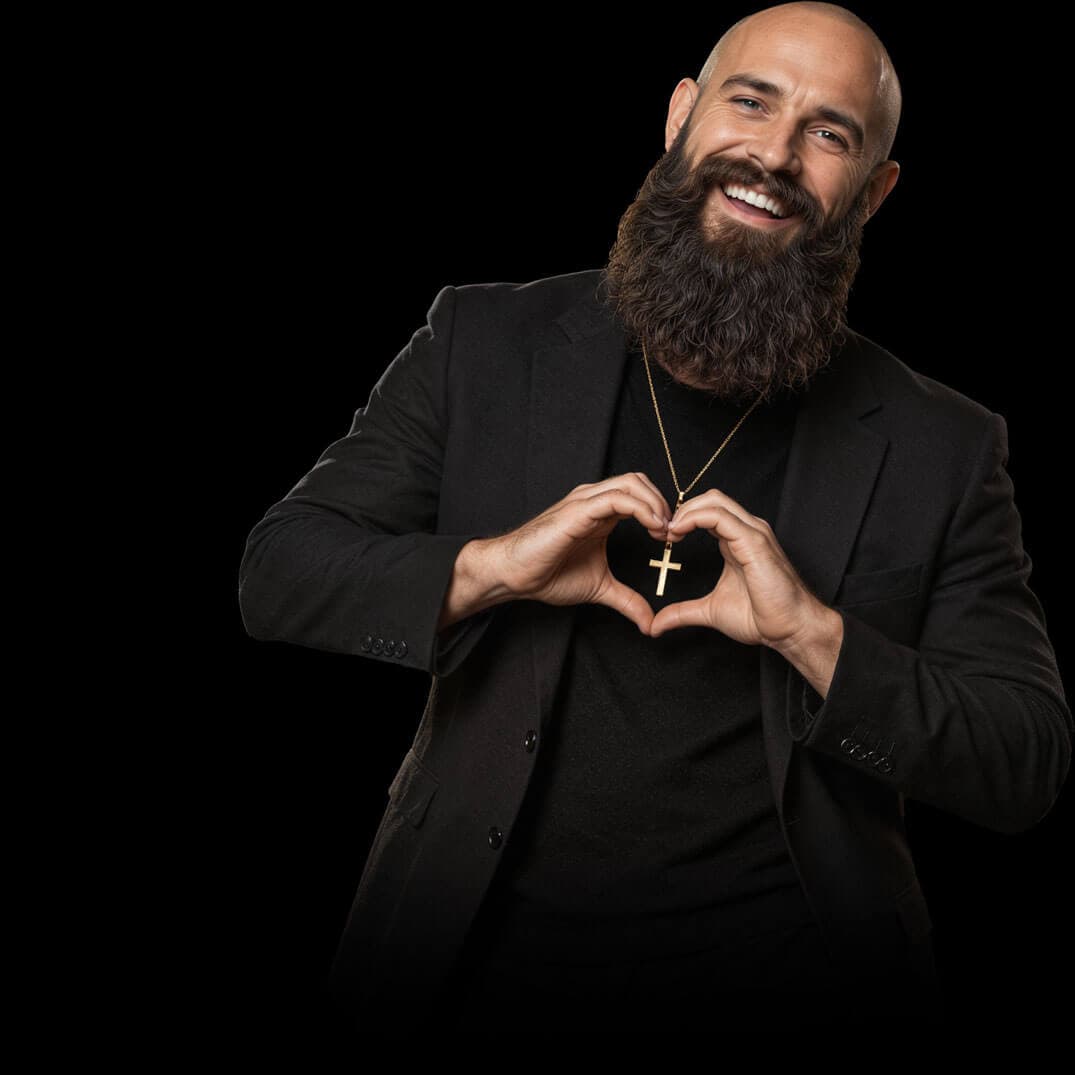
An Orthodox Christian man thoughtfully looking for a meaningful relationship

Built for those who take love seriously

No casual swiping. No compromise on faith. Orthodox Christian-rooted—and open to broader Christian singles who see marriage as a sacred vocation and want to meet someone who does too.

Features

Built for faithful dating

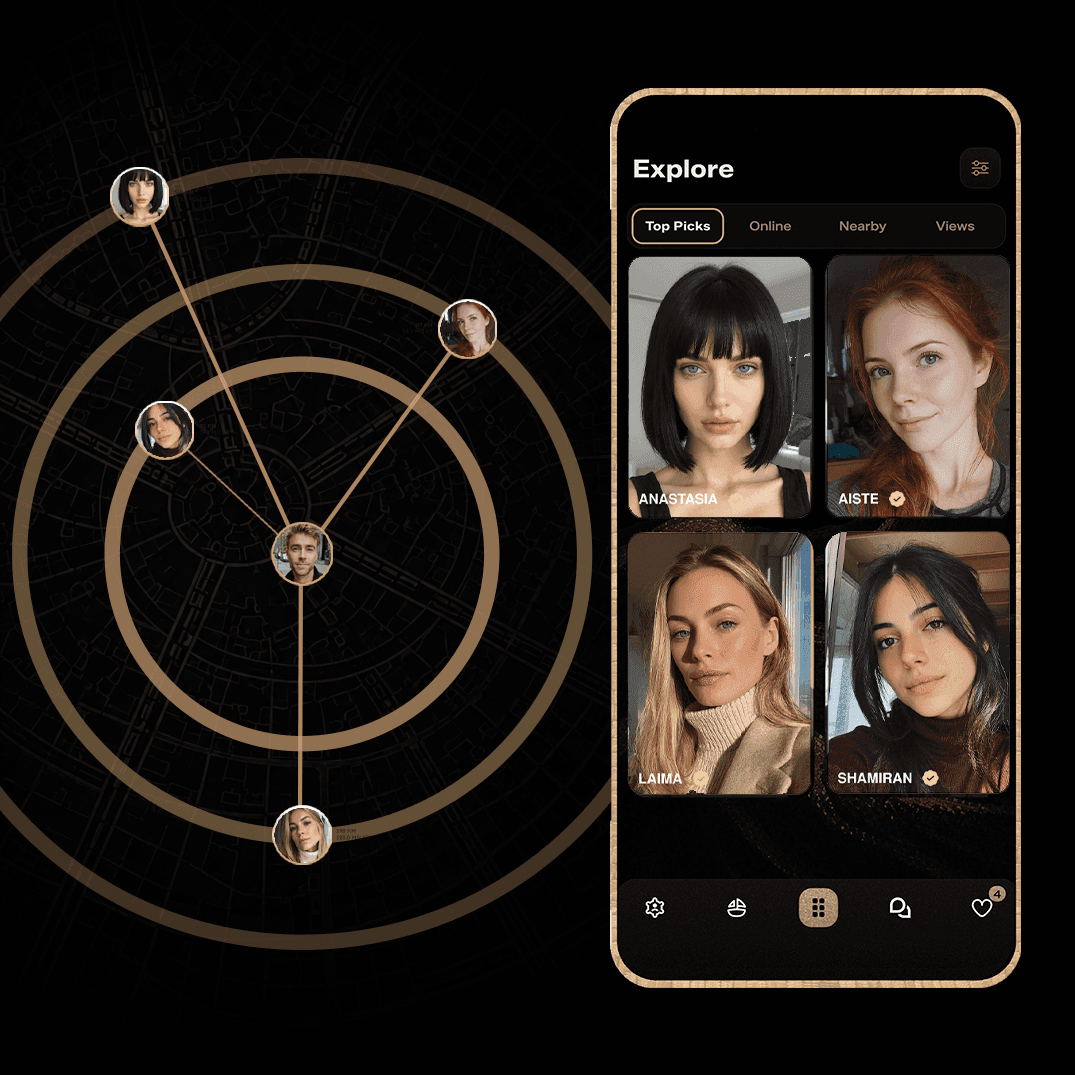
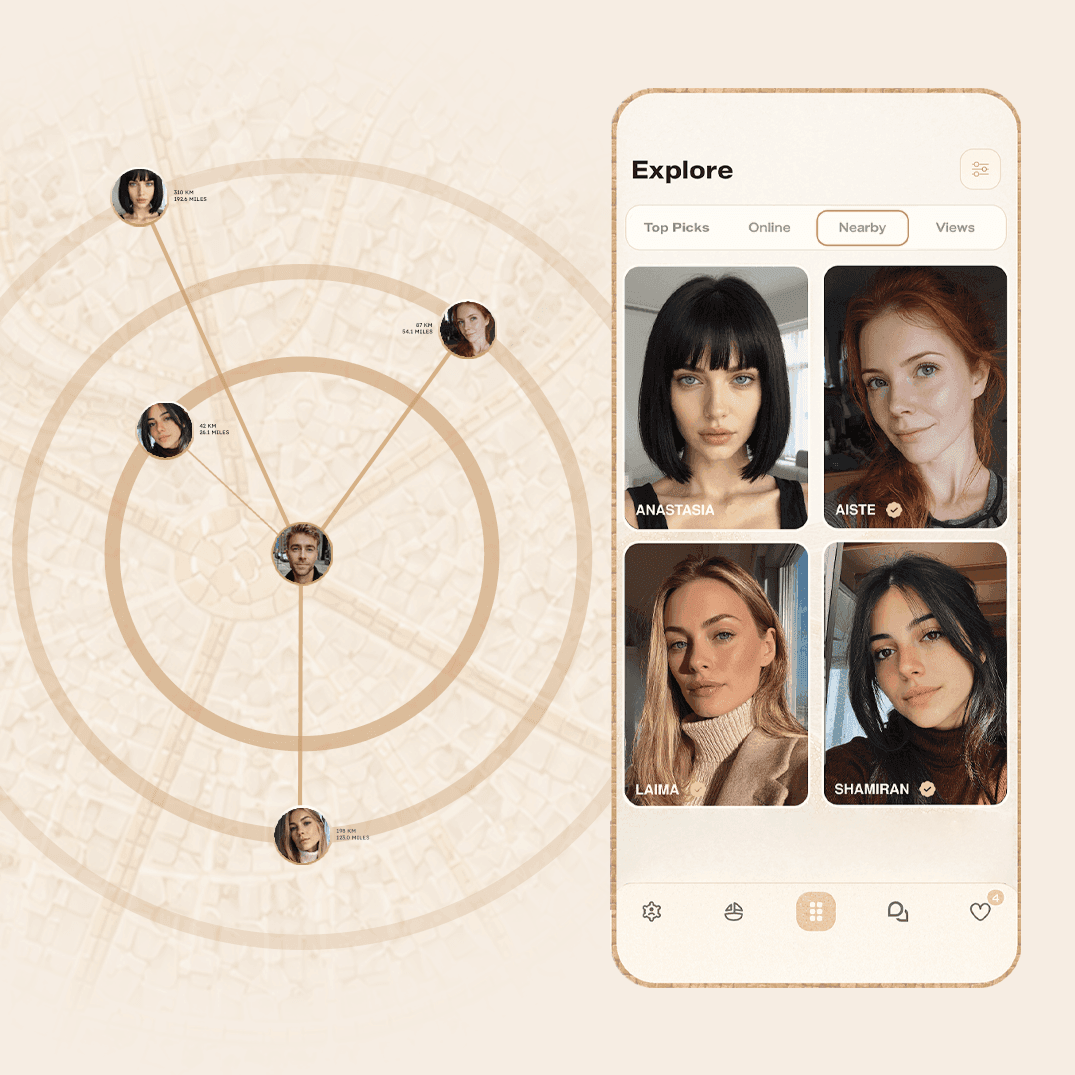
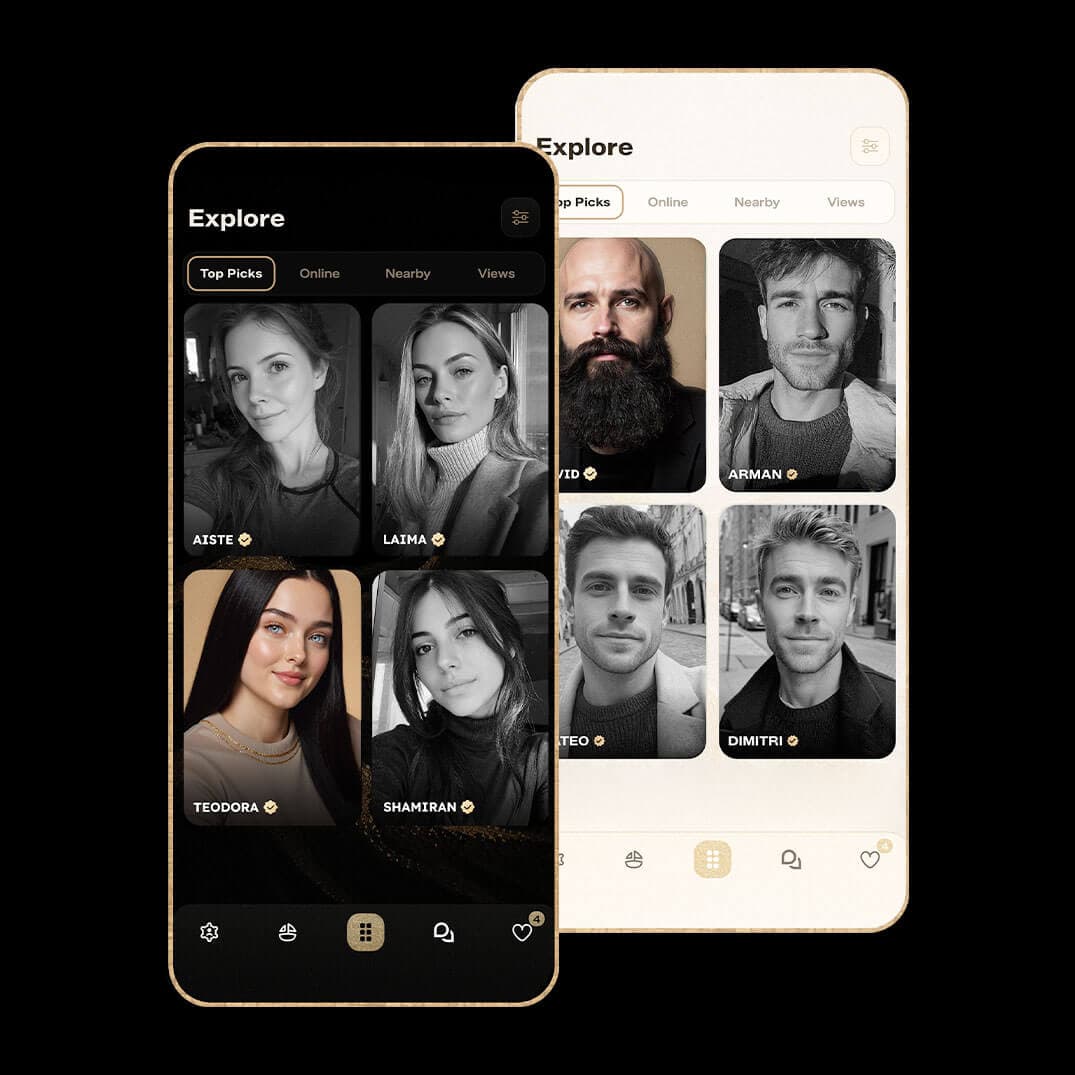
Discover swipe deck, Explore (Top Picks, Online, Nearby, Views), rich faith profiles, manual verification, and chat that opens only after mutual interest—not cold DMs.
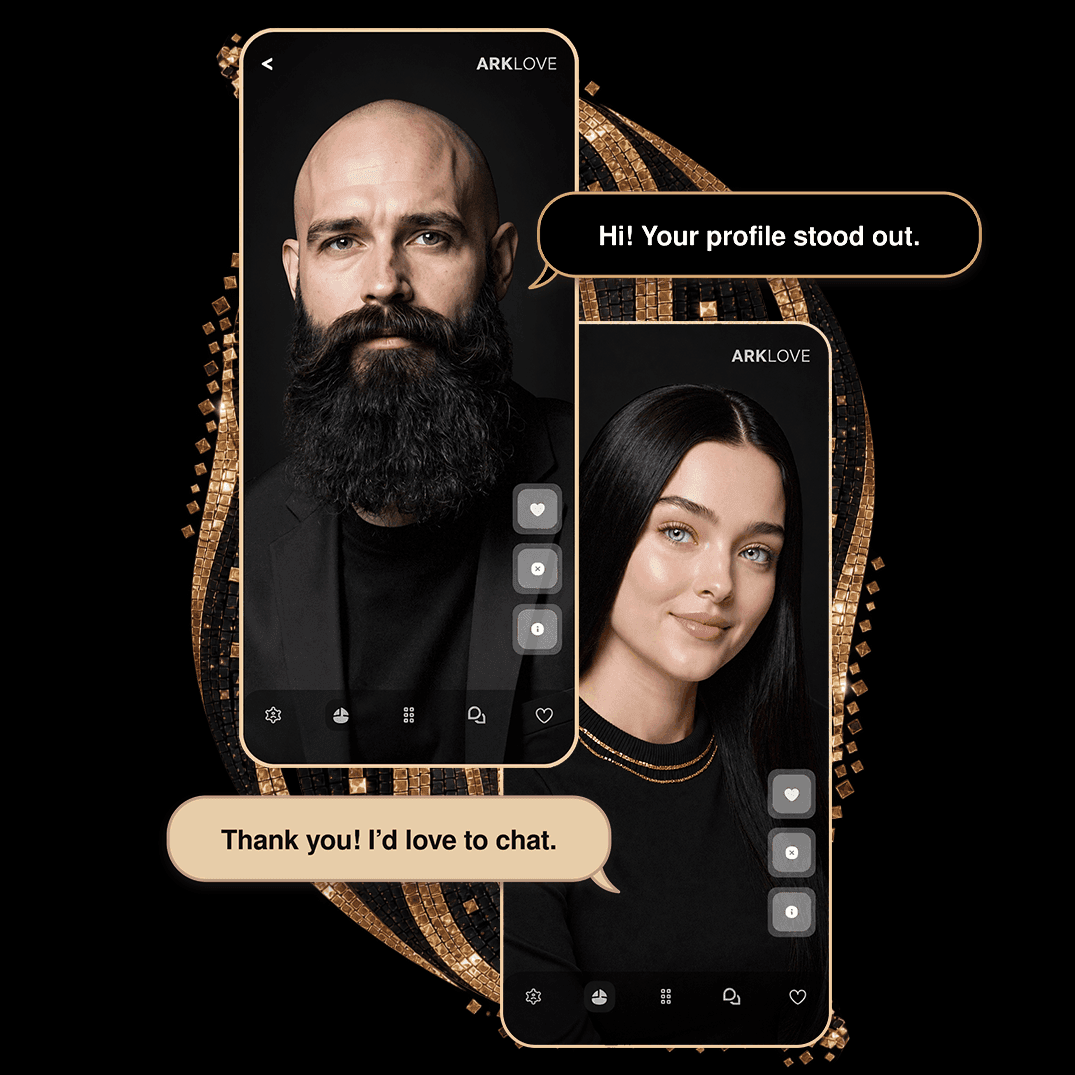
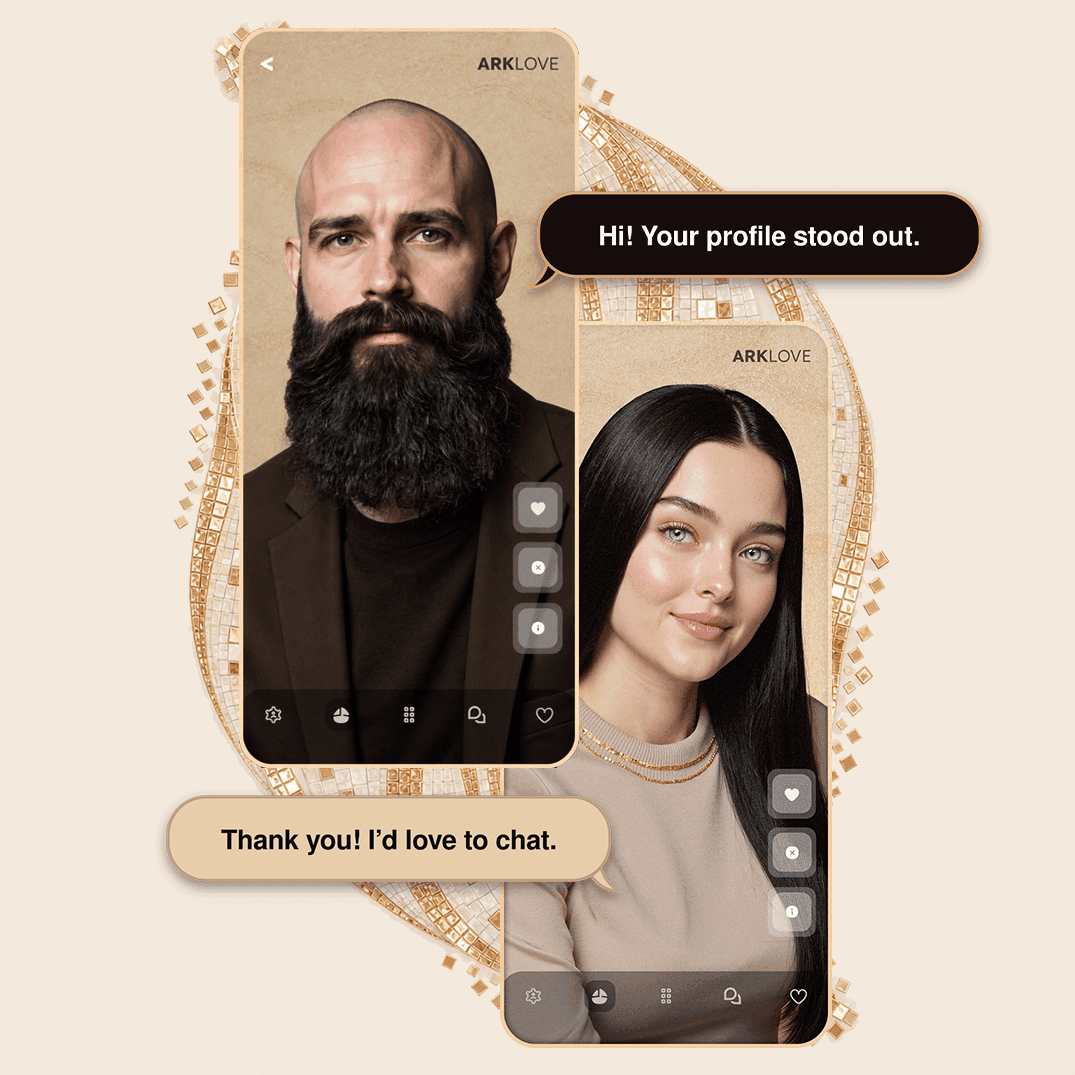
ArkLove app Discover and profile cards
Explore showing nearby and online members

Discover & Explore

Find Christians near you

Browse Discover and Explore with filters for church, background, lifestyle, and dealbreakers. Option to show verified profiles only. Global community—USA, EU, diaspora, and worldwide.

Profiles & verification

Verified, modest

Every profile is manually reviewed before approval. Share photos, faith and lifestyle details, personality tags, and church preferences. Verification adds confidence—it is not a guarantee of identity or safety.
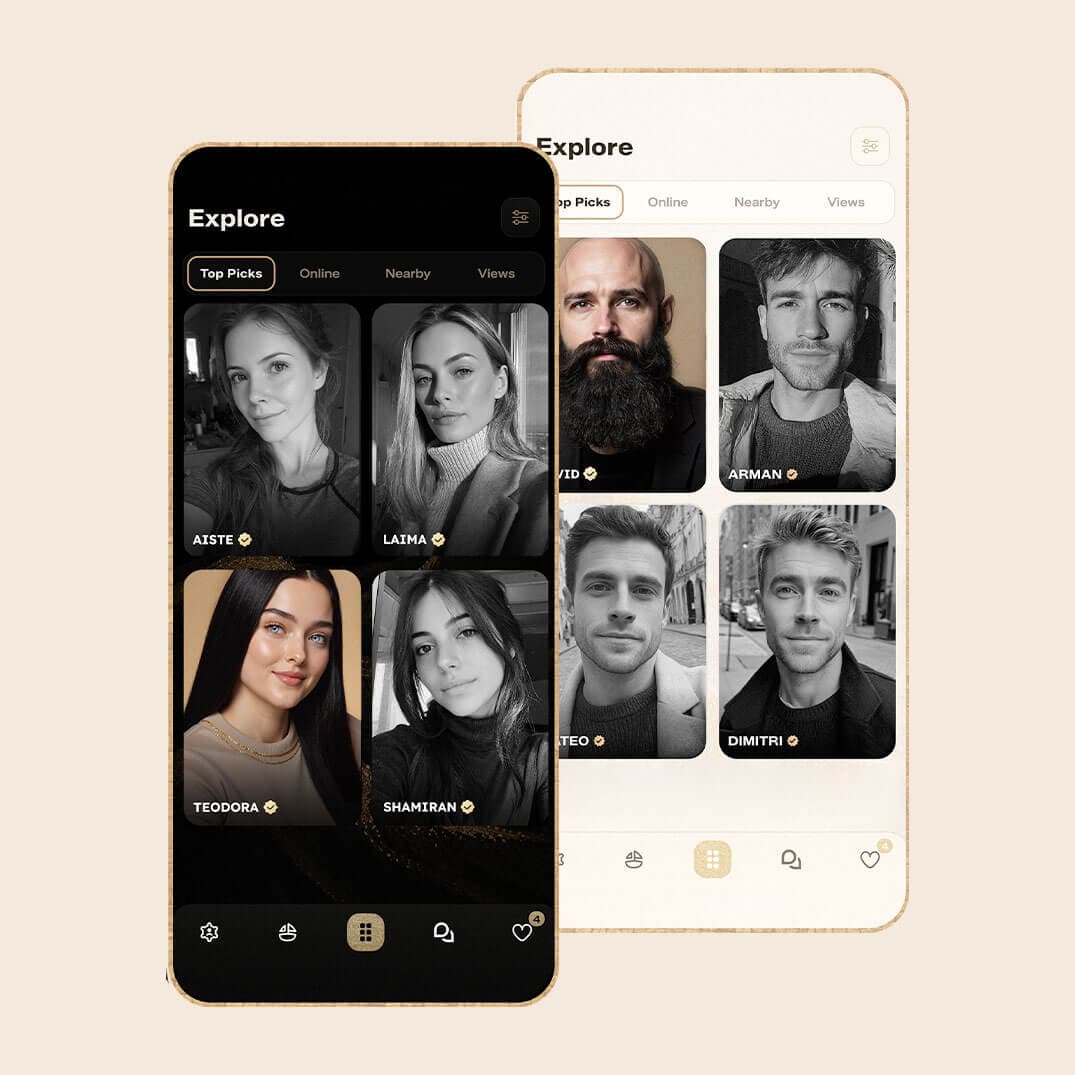
ArkLove app Discover and profile cards
Orthodox-rooted, broader Christian welcome

Christian Churches & Traditions

Orthodox-rooted, broader Christian welcome

Orthodox churches and practices are central, with many broader Christian traditions available in onboarding. Baptism, confession, church attendance, and marriage-minded intent help you find aligned matches.

Church & jurisdiction
Faith & lifestyle
Verified profiles
Match-based chat

How it works

How ArkLove works

Sign in with phone, Google, or Apple. Complete your profile, pass manual review, then discover, match, and message with intention.

  1. 01

    Create & verify your profile

    Share faith, church, photos, and what you seek. Profiles are manually reviewed; approval often within 24 hours. Adults 18+ only.

  2. 02

    Discover & match

    Swipe in Discover or browse Explore. Chat opens only after mutual interest—no unsolicited messages.

  3. 03

    Message with respect

    Voice messages for all members; photos and GIFs for Gold. Block, report, or unmatch anytime. Meet safely and involve your spiritual guide.


How ArkLove works
Not for casual hookups

Community

Not for casual hookups

ArkLove is for respectful, marriage-minded connections rooted in faith and church life—not casual hookups or non-faith dating. Best for Orthodox Christians and others who embrace our moderated community standards. ArkLove is not designed for hookup culture, casual swiping, secular dating, or users who are uncomfortable with profile review, modesty standards, and community rules.

  • community
  • diaspora
  • moderation

“What God has joined together, let not man separate.”

Matthew 19:6

Christian Churches & Traditions · Who ArkLove Is For

Get the app

Live on iOS & Google Play

Download ArkLove today

Mobile app only—free on iOS and Google Play. Sign in with phone, Google, or Apple; get verified; discover matches worldwide. In-app support and referral rewards (earn Gold for verified invites). English + 33 localized languages.


Manual verification
Match-based messaging
Discover + Explore
iOS & Android
Questions? Contact support →
Download ArkLove today

FAQ

Frequently asked questions

The same answers as in the ArkLove app—matching, verification, subscriptions, privacy, and how to get the most from Discover.

Getting Started02
How do I start using ArkLove?
Complete your profile and add clear, recent photos. Then open Explore to view other members. Tap a profile to read more and browse their photos. Select the heart only when you want to send that person a like.
How do I refresh profiles in Explore?
To see newly available profiles, open Explore and pull down on the screen to refresh.
Likes, Matches & Messages08
When can I start a conversation?
A conversation opens after a mutual match. This means you liked the other member and that member also liked you. Once you have both liked each other, messaging becomes available to both of you. When either person sends a message, the other will receive a notification and can view it in the Messages section.
How many likes do free members receive?
Free members can send up to five likes per day. Viewing a profile or tapping through its photos does not use a like. A like is counted only when you select the heart button.
What happens if I send a like accidentally?
An accidental like does not automatically open a conversation. A match is created only if the other member also likes you. Sent likes are not currently available in a separate history for you to review.
What does the number on the heart mean?
The meaning depends on where you see it: • On the Likes page, it shows how many people have liked your profile. If you like one of them back, you become a match. • On the Explore page, the heart relates to likes you have sent while browsing. Your Likes count is not the same as your number of mutual matches or active conversations.
Why are the people who liked me hidden?
Free members can see that they received a like, but the identity of the person may remain hidden. Plus and Gold members can see who liked them. If you like that person back, a mutual match is created and messaging becomes available to both of you.
Why does a notification say someone viewed my profile without showing the person?
A profile view shows possible interest, but it is not a like and does not create a match. Depending on your membership, the identity of the member may be hidden or blurred. Plus and Gold members can view this activity.
Why did I match with someone but they are not replying?
A match means both members showed interest, but it does not guarantee an immediate reply. The other person may be busy, may not have notifications enabled, may be unsure what to say, or may have changed their mind. If someone does not reply after some time, stay active and focus on members who are also making an effort.
Can I send photos, GIFs, or voice messages in a conversation?
Yes. Voice messages are available to all members. Sending photos and GIFs through messages is available to Gold members only. Share only content you are comfortable sending, even when communicating with a verified member.
Preferences & Discovery08
How do I change the age range of the profiles I see?
Open Explore using the middle button with six dots, then select the filter button on the right. Adjust the minimum and maximum age range, apply the filters, and pull down on the Explore screen to refresh the results.
Why do I see few nearby profiles or members who live far away?
Nearby results depend on your location, selected filters, and the members currently available in your area. When nearby results are limited, filters are narrow, or location information is unavailable, ArkLove may show profiles farther away. Try widening your filters and refreshing Explore. More local profiles may become available as the community grows.
Why do filters reduce my results?
The more specific your filters are, the fewer profiles may appear. Widening your preferences can help show more potential matches.
What are Top Picks?
Top Picks are profiles highlighted from the ArkLove community. They are not individually selected as guaranteed compatibility matches. Gold members appear first, followed by other paid membership tiers and then free members. Top Picks update as new people join, so check back for new profiles. Always review the full profile — including age, location, faith, relationship goals, and whether the person wants children — to decide whether someone may be a good match for you.
Why do some profiles appear near the top of Discovery?
Gold members receive Priority Placement, which may place their profiles higher in certain areas of Discovery.
Why does the number of visible profiles change?
Members are always joining, leaving, updating their settings, or becoming active again. Profile visibility can also change based on filters, privacy settings, and location permissions.
Why did a profile disappear?
A profile may disappear if the member changes privacy settings or preferences, becomes inactive, deletes their account, unmatches you, is removed for violating the Terms and Conditions, or no longer matches your current filters.
What should I do if my Explore results seem wrong?
Check your filters and location permissions, update the app, and pull down on Explore to refresh. If the issue continues, contact Support so we can review your account.
Profiles & Photos06
How can I improve my chances of matching?
Stay active, complete your profile, add clear and recent photos, keep your information up to date, and send likes to members you are genuinely interested in.
Why can finding a match take time?
ArkLove is focused on building a real and intentional community. Meaningful connections can take time, especially as the community continues to grow.
How do I view all of a member's photos at full size?
While viewing a profile, tap the right side of the main photo to open the next picture at full size. Tap the left side to return to the previous picture.
Why do some profiles have a gold appearance?
A gold style indicates that the member has a Gold membership. Gold profiles may be visually highlighted in Discovery.
Do all profiles show location?
No. Not every member allows location access. Some members choose not to share their location or prefer to keep that information private.
Can I match with someone who does not share their location?
Yes. Location is only one part of the experience. Members can still like, match, and connect even when exact location access is not enabled.
Privacy01
What does Private Mode do?
Private Mode gives Gold members more control over who can see their profile. When it is enabled, your profile is shown only to members you choose to like first. You can manage this feature by going to Settings > Account.
Verification & Safety04
What does Not Verified mean?
It means the member has not completed ArkLove's photo-verification process. Verification provides additional confidence that the person matches their profile pictures, but it does not guarantee their identity, character, intentions, honesty, or safety.
Is it safe to communicate with an unverified member?
Photo verification helps reduce the risk of catfishing or stolen pictures, but it cannot guarantee safety. You may communicate with an unverified member at your own discretion, but use extra caution and consider asking the person to verify before continuing. Never share financial information, passwords, identification documents, your home address, or private photos. Never send money to someone you met through the app.
Can I see only verified profiles?
Yes. Turn on Verified Users Only in your settings to limit the profiles shown to members who have completed photo verification. Verification adds protection, but you should still use good judgment with every member.
What should I do if a profile appears fake or suspicious?
Report the profile through the app. Our moderation team will review the account and take appropriate action when a violation is found. Include any relevant details that may help the review. If you feel threatened or believe a crime has occurred, stop communicating and contact the appropriate local authorities.
Memberships03
Why is ArkLove not completely free?
ArkLove is not a nonprofit organization. Membership revenue helps support development, moderation, safety work, customer assistance, and ongoing maintenance. Free members can still browse profiles, send five likes per day, create mutual matches, and message their matches.
What do Plus and Gold provide?
Plus and Gold offer different additional features and benefits. Review the current membership screen for the complete and most up-to-date comparison of each tier.
Can I receive premium access without paying?
Members can receive seven free days of premium access when someone joins through their referral link. Open the referral section in the app to find and share your personal link.
Still Need Help?02
Still need help?
Message Support and we will gladly guide you. For the fastest response, include the name of the feature, what you expected to happen, what happened instead, and a screenshot when possible.
How to cancel my subscription?
Open Account to manage or cancel your membership. Subscriptions are billed through the App Store or Google Play.